Skip the steps — search your team name
If anyone in your mini-league has used FPL Ranker, search the name of your squad and we’ll find the ID for you.
Your Team ID is the number that unlocks your squad, verdict and mini-leagues on FPL Ranker. Here’s how to find it.
Go to the official FPL website
Visit fantasy.premierleague.com using a web browser (not the mobile app).
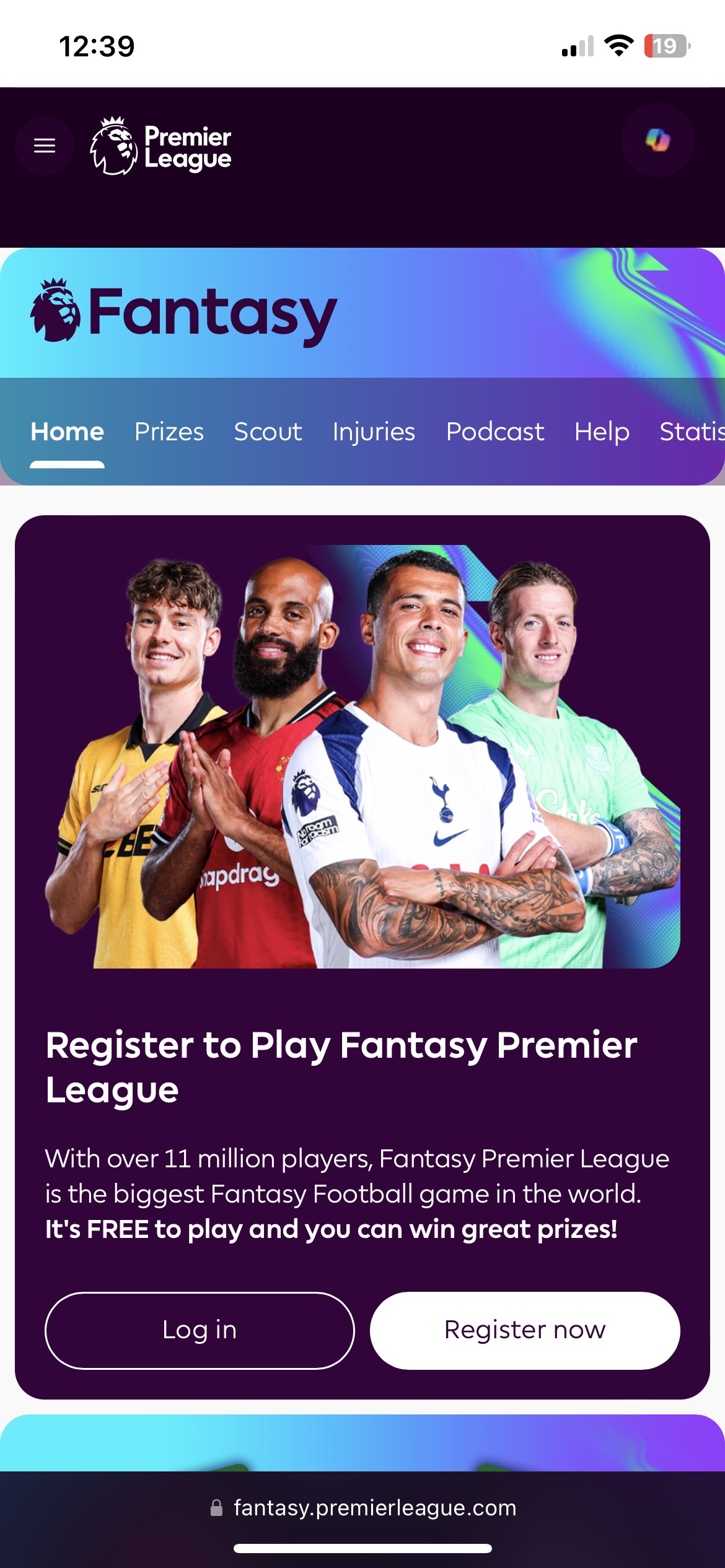
Log in
Log in with your usual Fantasy Premier League credentials.
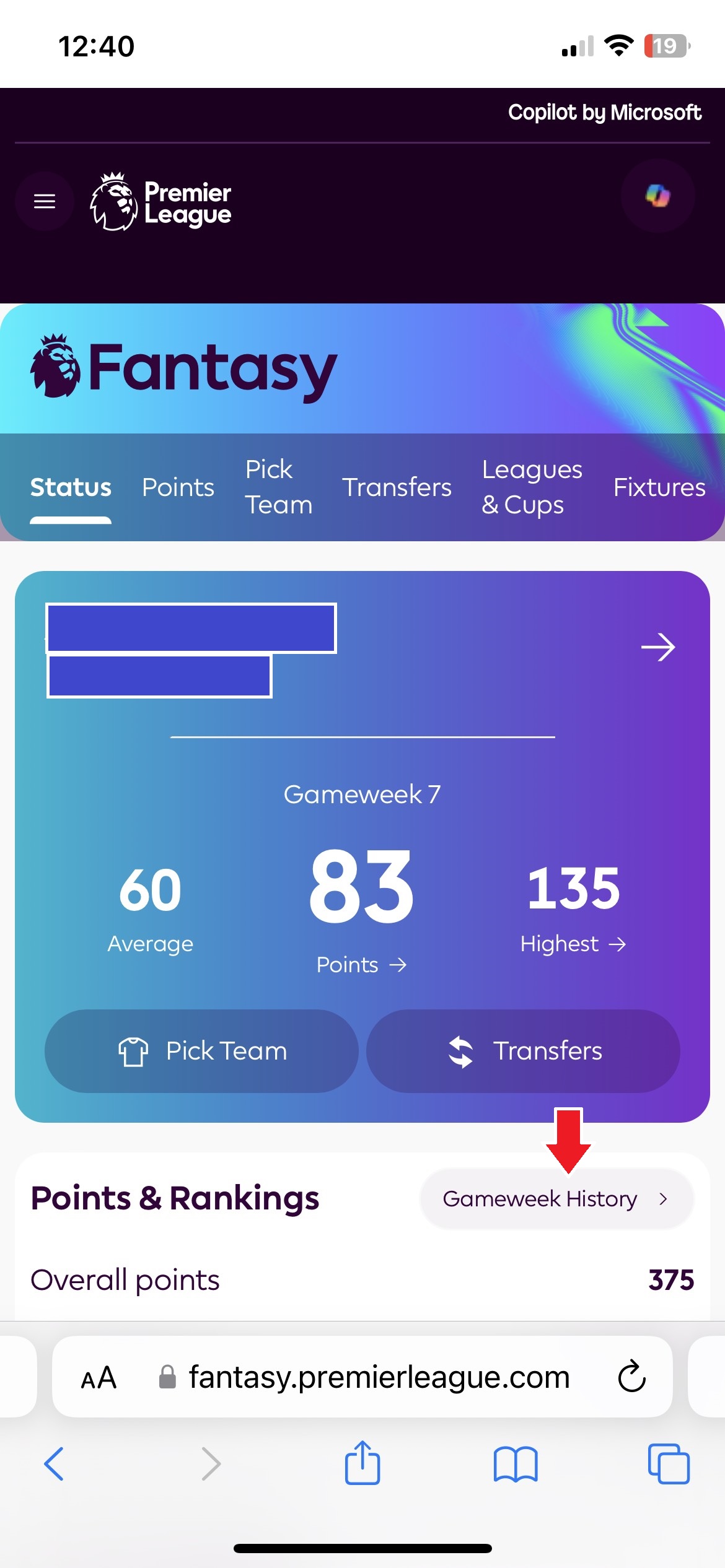
Open “Gameweek History”
Once logged in, click your Team Name, then select Gameweek History from the menu.
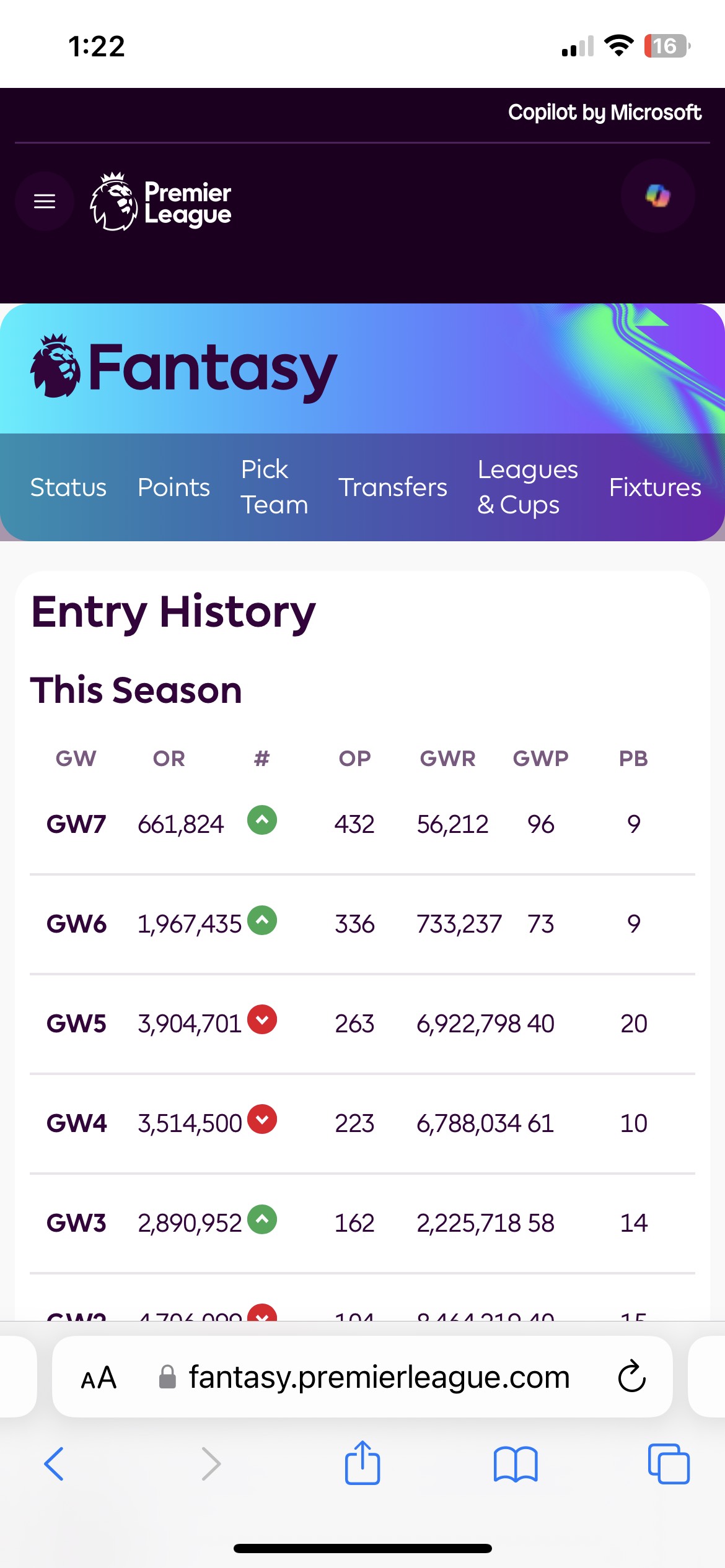
Locate your Team ID in the URL
Look at your browser’s address bar:
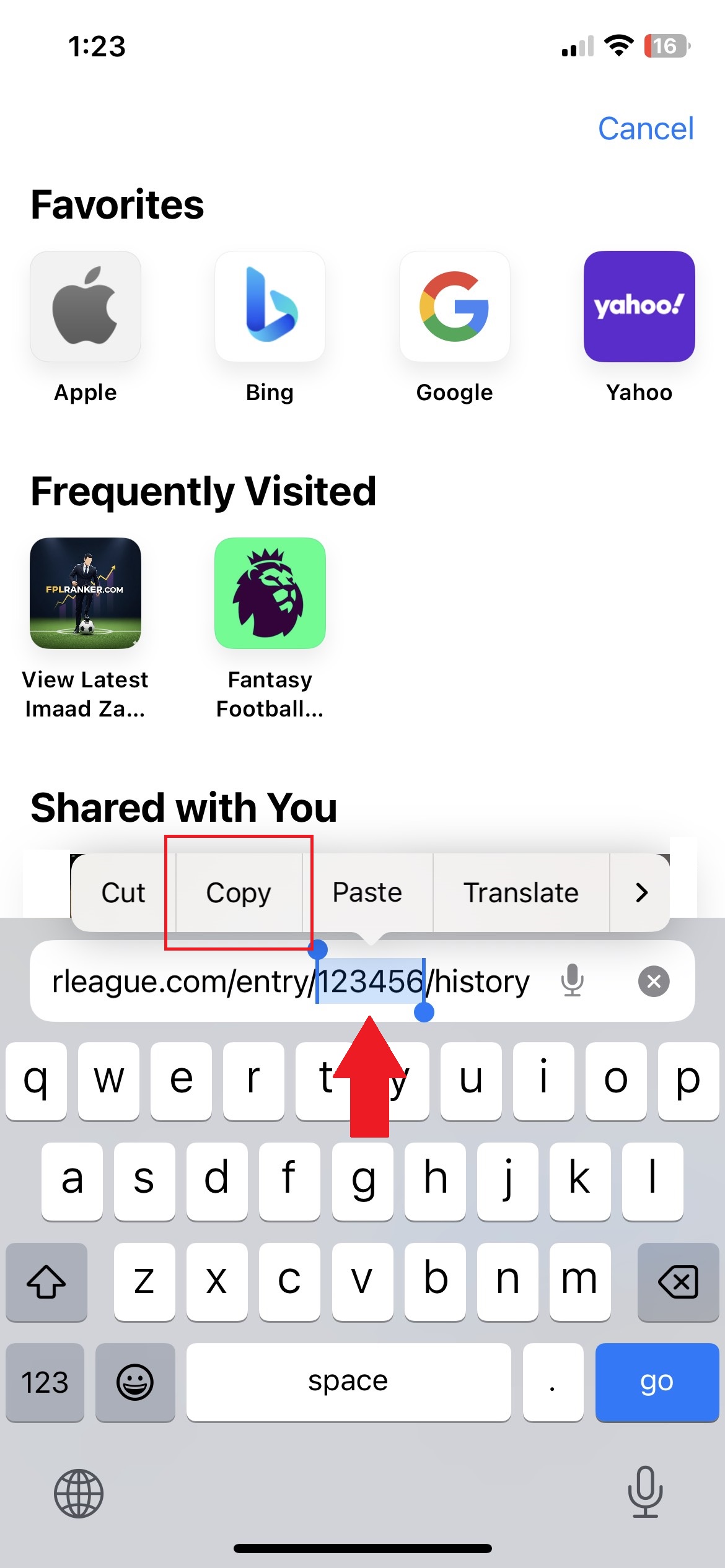
The number between /entry/ and /history is your Team ID.
Copy your Team ID
Highlight and copy those digits (e.g. 123456), or just note them down.
Enter it on FPL Ranker
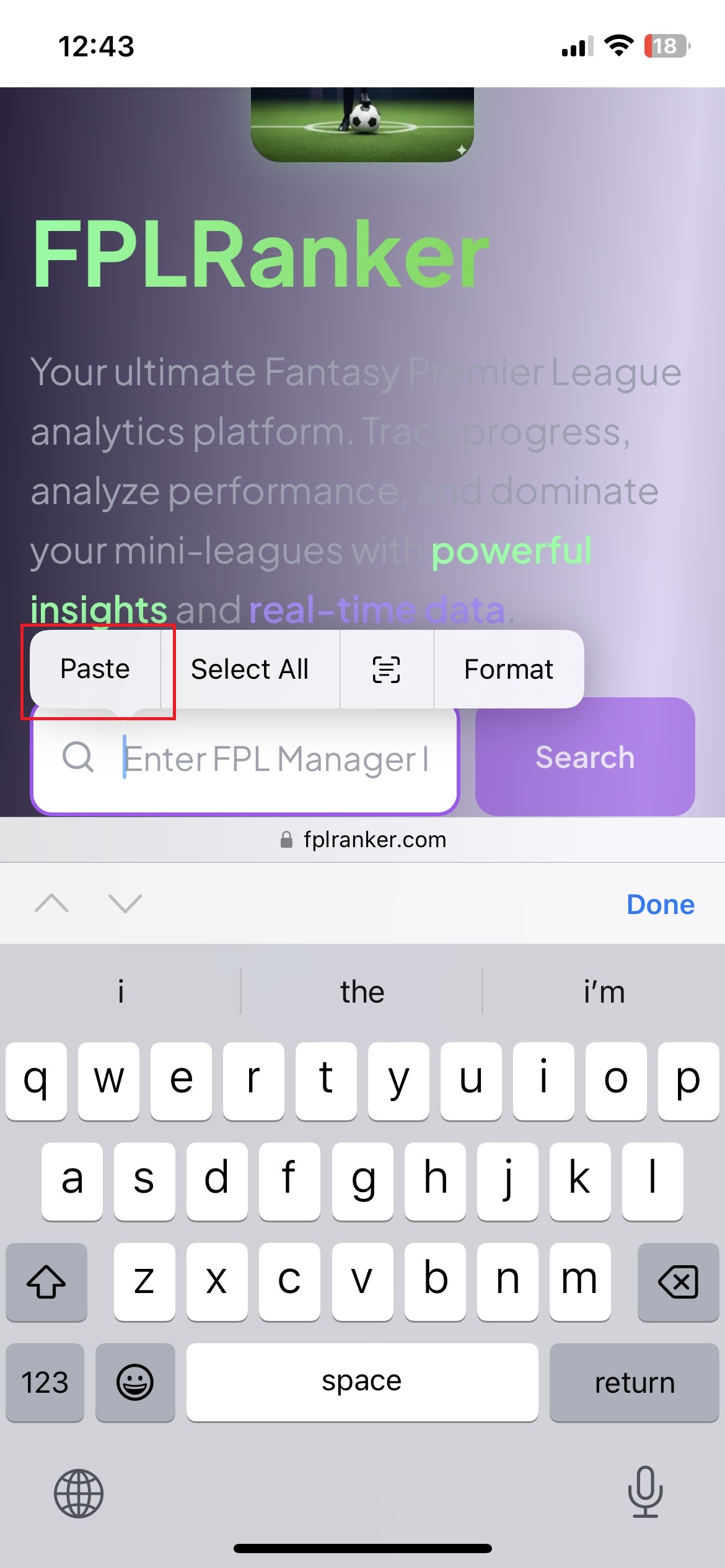
Paste it straight into the box below — you can paste the whole FPL link if that’s easier. You’ll instantly see:
- Your live squad, kit and gameweek points
- All your mini-leagues with rank and movement
- A Rank My Team verdict and rank analytics
💡 Tip
Managing multiple teams? Repeat the steps for each — every team has a unique Team ID, so make sure you use the right one.